What's the data equivalent of a design system?
I just got back from the Automattic AI Enablement meetup in New York. Two weeks in a room with around fifty product, design, engineering, data, ops folks all working on AI learning and building prototypes. The thing that struck me most was how much the design conversations were teaching me about my data work, and how much my data instincts were filling in for design ones. The boundary between the disciplines turns out to be thinner than the job titles suggest.
Four patterns I’m taking home with me.
Interfaces are moving up the visual stack
I observed the same evolution happen across most of the demos: command line, then markdown files, then HTML, then rich browser experiences. Agents and humans are converging on a shared visual surface. Pointing, annotating, dragging, previewing, all of which beats describing things in pure prose.
Two tools fit this pattern especially cleanly. Agentation lets you click any element on a page, drop a note, and turns the result into structured context (CSS selectors, source paths, computed styles) that an agent can act on. With its MCP, the agent already sees what you pointed at. You can just say “fix annotation 3”. DialKit is a floating control panel for React/Solid/Svelte/Vue, with sliders, color pickers, and spring/easing editors wired to your live component values. You can tune things by hand, or ask an agent to wire the controls up for you.
The pendulum is swinging inside our dev tools too. The field went all-in on CLIs after Claude Code shipped. The CLI-heavy people I know are now running Claude Code inside the Claude Desktop app for daily coding work. The visual surface has caught up with the terminal and is offering a nicer experience. The CLI may be a temporary lead, not the destination. The same direction shows up everywhere: give the human and the agent a shared surface they can both manipulate.
Design systems are how you escape “generic AI”
The most-repeated framing of the week was that drift, repetition, and “AI doesn’t know my world” are usually context failures, not model failures. The line I kept hearing: the right 50 lines outperform 5,000 lines of everything.
What stuck for me is why design systems are the natural place to apply this. Your design system has a new audience now, and that audience is not human. AI is real dumb. It fills gaps with training data and assumptions, then ships convincing but incorrect implementations. It’s all too easy to bypass the design system and go straight to whatever the model happened to remember from training, and what you get back is whatever the training set had.
The path forward is to feed AI your system in a form it can actually consume. A few public references worth knowing:
- Impeccable — a design fluency skill with 23 sub-commands and a Chrome detector that catches gradient text, AI-purple palettes, low contrast, italic-serif hero monoculture, and around twenty other anti-patterns.
- Automattic design-skills — an open collection of design-system skills.
- Stitch DESIGN.md — a spec for describing a design system in a form an agent can read.
- agents.md — an emerging open standard for agent context files.
We’re still in early days here. The layered approach (MCP + AGENTS.md + DESIGN.md + Skills) sometimes produces worse results than any one of them alone. Quality, taste, and art direction still need a human in the loop. The honest framing is that the job is shifting from using a design system to evaluating an agent’s use of one.
Design systems are structurally data models
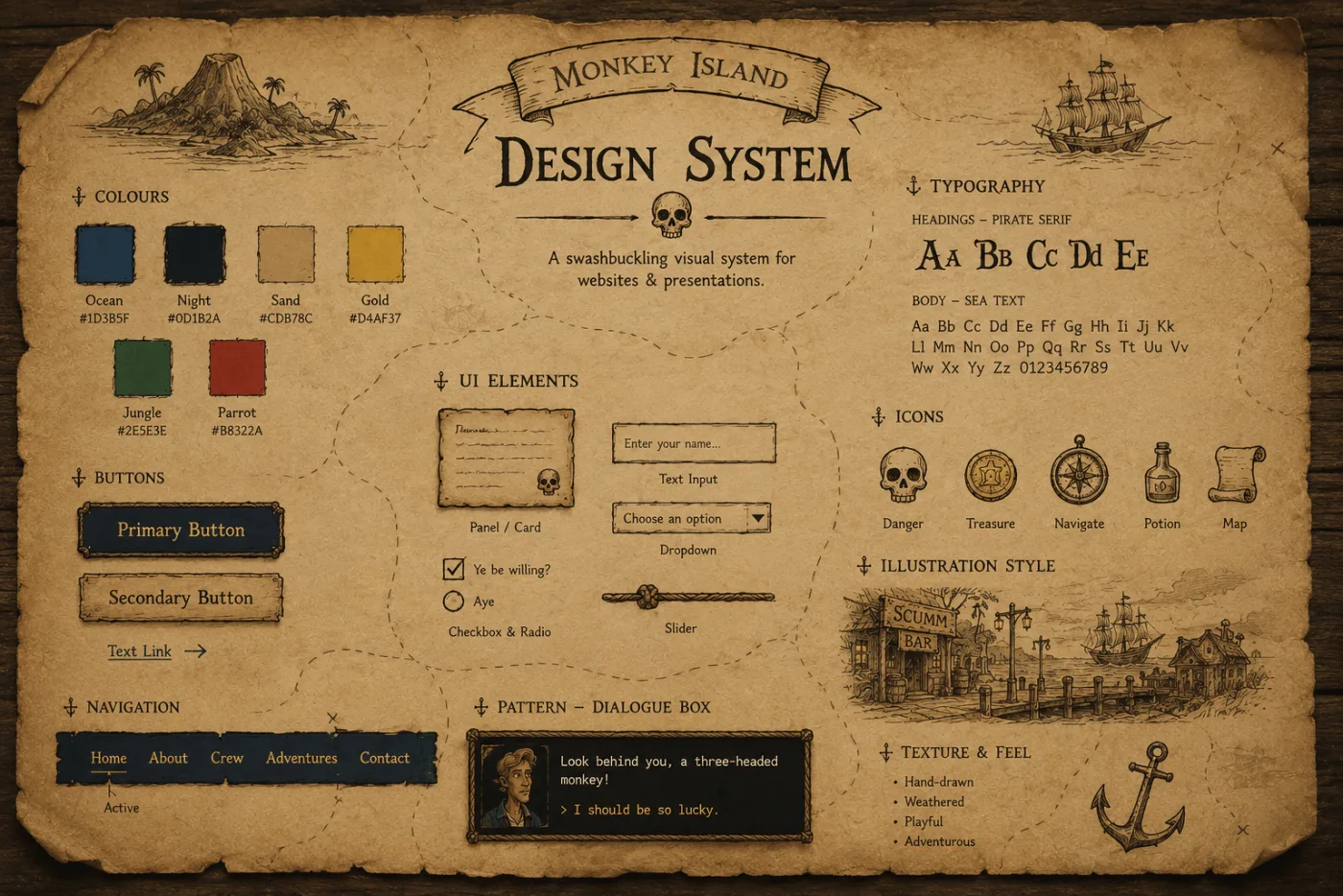
A design system is, structurally, the same thing as a data model: a set of named primitives, rules about how they compose, and conventions for what good looks like. The whole point is to make everything downstream cheaper and more consistent.
Tokens are columns. Components are entities. Patterns are queries. Documentation is documentation.
The values the two crafts reach for are also the same: legibility, clarity, order, evoking the right emotions. The expectations look different on the surface (data should be accurate, designs should look good), but neither of those is where the work actually happens anymore. For both crafts, the job is the user’s experience.
Once you say it that way, a lot of the design-systems-for-AI thinking maps cleanly onto data work. The arguments are the same; only the nouns change.
So what’s the data equivalent?
This is the question I’ve been sitting with since the meetup.
Design systems give AI a vocabulary (buttons, lists, inputs, outputs) and the result is that AI-generated UIs feel on-brand instead of templated. What if we built the same thing for data work? A shared library that codifies what “good” looks like and that AI can pull from. Components for query validation, schema and lineage lookups, chart selection, and standardized output formats.
A rough sketch of what that might look like: a central data tool (MCP, CLI, or API) that handles validation, verification, and standardized output, paired with hooks any team can wire into their own application. Codified “good”, plus the feedback loops AI needs to verify its own work.
I’m floating this as a question, not a plan. Pieces of it already exist in scattered form. The interesting move is the assembly: deciding which primitives are worth promoting, and which conventions are worth encoding into a system an agent can read.
Start simple. Add when you need it.
The other piece of advice that came up across almost every session: don’t copy someone else’s elaborate setup. Start with the smallest thing that works, then add a skill, a hook, an MCP, or an agent only when you feel the friction. Two reasons. One, the model keeps getting better, so a lot of yesterday’s scaffolding becomes today’s overhead. Two, the field is moving so fast that the elaborate setup you’re tempted to copy is probably already a little stale.
The corollary I keep coming back to: audit your workflow monthly. What is actually saving you time, and what is just there because you set it up once? Claude Code has an /insights command that helps with this. It reads back recent sessions and surfaces patterns: where context fills up, which tools you keep reaching for, which prompts repeat.
A few skill libraries worth skimming if you want to study the pattern:
- obra/superpowers — brainstorming, planning, subagent-driven execution, and TDD.
- gsd-build/get-shit-done — built around fighting context rot by doing the heavy work in fresh subagent contexts.
- garrytan/gstack — compresses the Y Combinator idea-validation flow into a Claude Code plugin.
- Harper Reed’s LLM codegen workflow — the same loop in essay form, distilled.
Skim them and they’re roughly the same shape: Socratic specification (the AI asks the questions), then spec-driven development plus test-driven development, with extra compute spent on planning and review passes. My takeaway on skill libraries is to try new ones occasionally but not worry about missing a golden one. As the models and the harnesses keep maturing, they absorb these patterns directly. Once a pattern is golden, it becomes a default in the model or the harness soon enough. The library you write yourself is more about understanding the loop than about future-proofing a workflow.
I also tried to apply the same advice to something small on my way out. Hyperactive Amateur, a little browser app, a beat-making toy, I built where you record short clips from your webcam/mic, and AI classifies the sounds and suggests patterns to play. It started as a 3-hour vibe-coded sketch that I showed at the meetup. The warm reception there got me excited enough to keep playing with it. About 9 more hours of “just one more thing” later, it’s running live on this site now. Every “one more thing” is the most dangerous phrase in software, and also why this is now my favorite project.
What I’m taking home
The pace is fast and nobody has it figured out. That’s the most reassuring takeaway from the week. We’re all on roughly the same step of the same path. Sharing where we are with each other (what’s working, what’s not, what we’re trying next) is honestly the fastest way forward.
The other thing I’m taking home is a renewed appetite for just trying things. Pick the smallest version that works. Build a skill. Wire a hook. Set up one always-on agent. The cost of an experiment has fallen to almost zero. The cost of not running any has not.